QR Codes & Barcodes
All in One Place
Create custom QR Codes and professional Barcodes with AI assistance.
Unlimited codes, advanced analytics, and best-in-class print quality.
QR Code Types
Choose from various QR code types for your specific needs
URL
Link to any website
vCard
Share contact info
Text
Plain text message
Send email directly
WiFi
Share WiFi access
SMS
Send text message
Phone
Make a phone call
Location
Show map location
Professional Barcode Formats
13 industry-standard formats for retail, shipping, and inventory
How do I create a free QR Code?
We'll show you how in just three simple steps
Select which type
You may choose from URL, vCard, Plain Text, Email, SMS, Twitter, WiFi, and Bitcoin. However, these free QR Codes are not editable and trackable.
Fill in the details
Enter all the information needed in the fields that appear. This could be a link, contact information, text or any other type of info. Once you're done, select "Generate."
Download the QR Code
You may choose to have a standard black and white design or choose colors and frames to help you attract more scans. If not, proceed to download your finished Code.
Unlock more cool QR Code features
Add your logo in the center of your QR Code, create multiple QR Codes at once, collaborate with your team, and much more.
Create free accountWhy choose our platform?
The only platform with QR codes, Barcodes, and AI assistance - all in one
2-in-1 Platform
Generate both QR codes AND barcodes. No need for multiple tools or subscriptions.
Steward AI Assistant
Get instant help choosing formats, troubleshooting errors, and optimizing your codes.
Fully Customizable
Add your logo, choose colors, and customize the design to match your brand perfectly.
Track & Analyze
Monitor scans with detailed analytics on location, device, time, and user behavior.
High Resolution
Download codes in PNG, SVG, and PDF formats for perfect print quality.
Secure & Reliable
Enterprise-grade security with 99.9% uptime guarantee and data encryption.
Developer API
Build integrations with our REST API. Create QR codes and barcodes programmatically.
URL Shortener
Create trackable short links with A/B testing, password protection, and analytics.

I'm new to QR Codes. What should I know?
Glad you asked! Here's a few basics to get you started.
What is a QR Code?▼
QR Code is a two-dimensional version of the barcode, typically made up of black and white pixel patterns. Denso Wave, a Japanese subsidiary of the Toyota supplier Denso, developed them for marking components in order to accelerate logistics processes for their automobile production. Now, it has found its way into mobile marketing with the widespread adoption of smartphones.
How do I scan a QR Code?▼
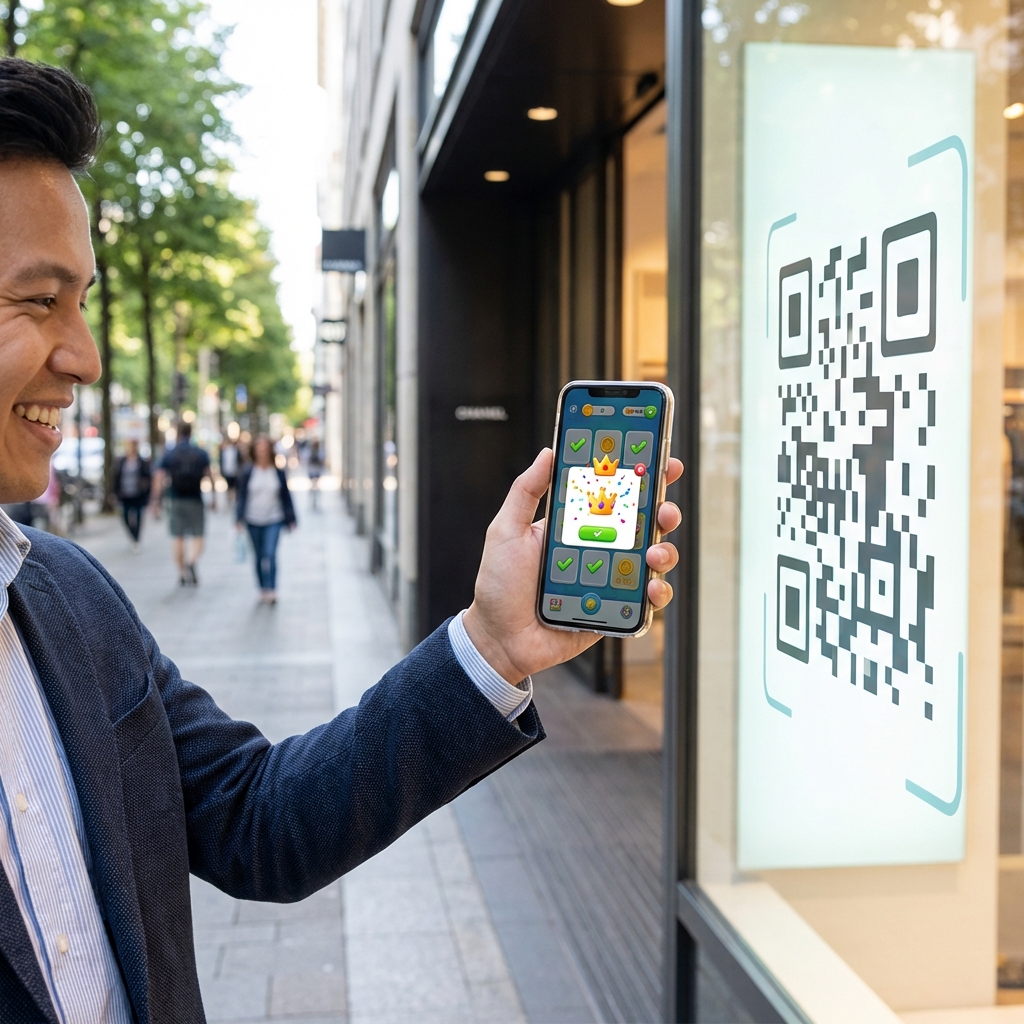
Most modern smartphones have built-in QR code readers in their cameras. Simply open your camera app and point it at the QR code. A notification will appear with the link or action. You can also download dedicated QR code scanner apps from your app store.
What can I use QR Codes for?▼
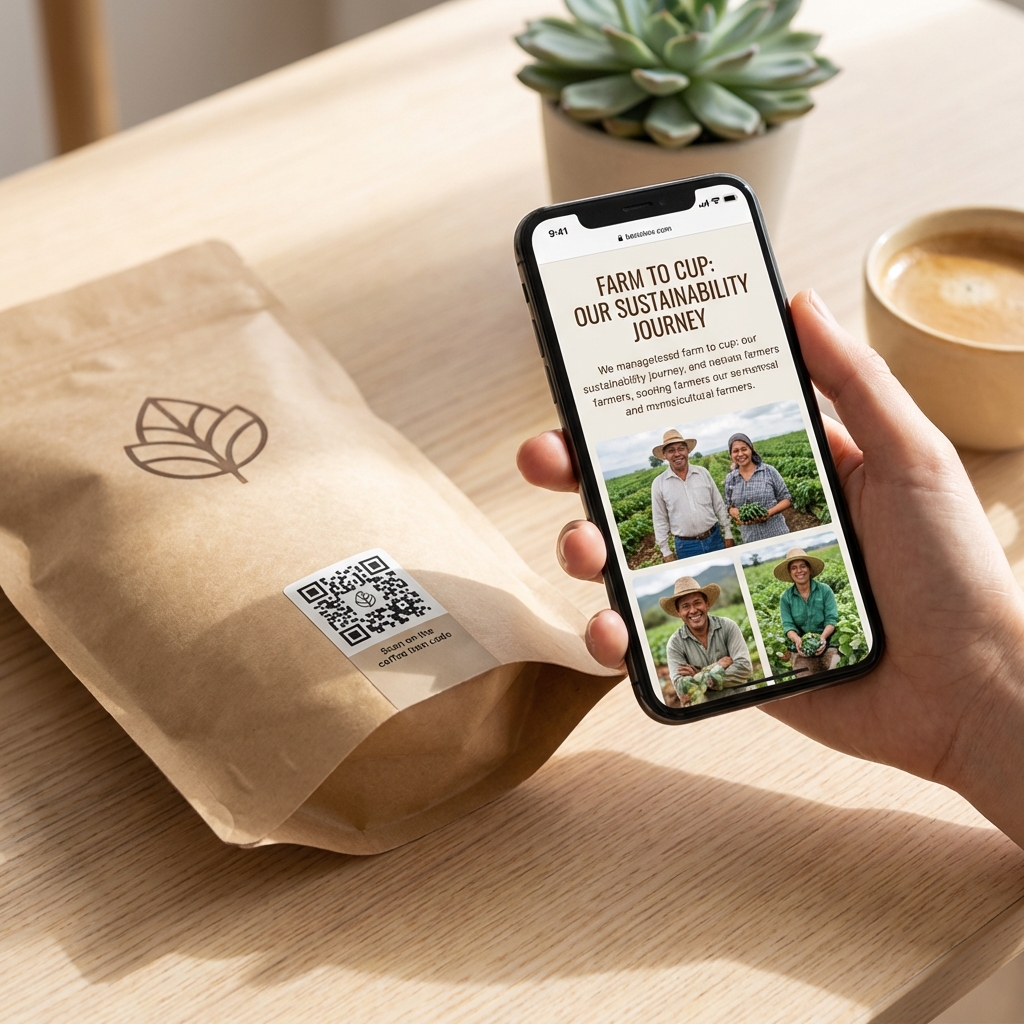
QR Codes are versatile and can be used for various purposes: sharing website URLs, contact information (vCards), WiFi credentials, payment information, event details, product information, social media profiles, and much more. They're perfect for bridging physical and digital experiences.
Are QR Codes free to create?▼
Yes! You can create basic QR codes completely free. Static QR codes (which cannot be edited after creation) are free forever. For advanced features like editing content after printing, tracking scans, custom designs, and analytics, premium plans are available.
What's the difference between Static and Dynamic QR Codes?▼
Static QR codes contain fixed information that cannot be changed once created. Dynamic QR codes use a short redirect URL, allowing you to change the destination or content anytime, even after printing. Dynamic codes also provide scan tracking and analytics.
Ready to create your codes?
Join thousands of users creating professional QR codes & barcodes with AI assistance